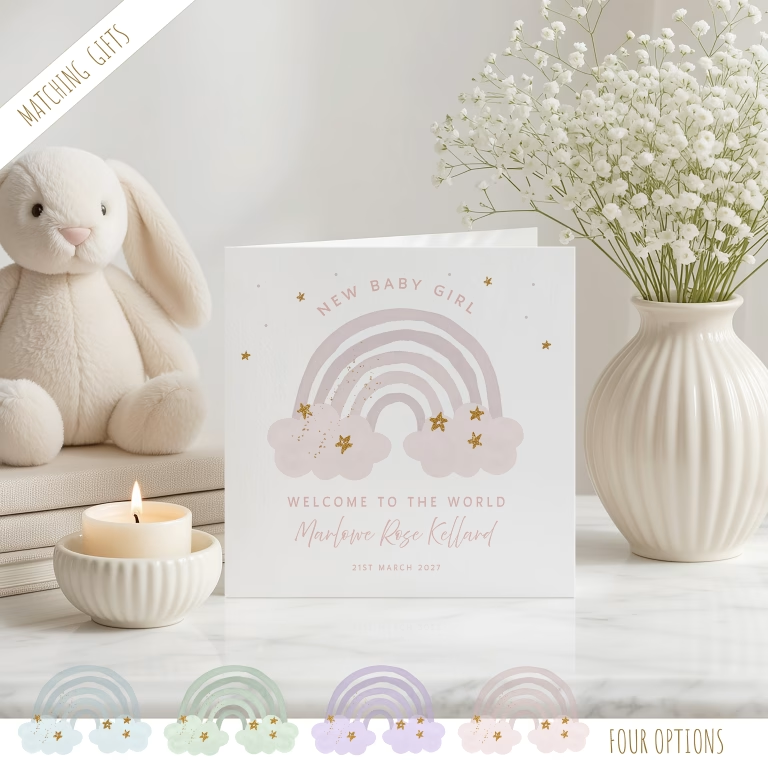
To personalise this card, simply select your options from the drop-down menus and add the baby name/s and date of birth - click PERSONALISE YOUR CARD, where the personalisation area will open. Add the name and optional birth details to STEP 1.
You can personalise the paper insert of the card too, with a selection of fonts and font sizes on the left hand side and or the right hand side of the insert. Personalising the insert is optional, you can leave this area blank if you wish.
We are here to answer your questions!
Should you be unsure about how to personalise your card, we are available to answer any questions you may have via our live chat, where you will be assisted by a friendly member of our studio team—no bots, just real support to help you! 7 days a week, 9am-10am.
To personalise this card, simply select your options from the drop-down menus and add the baby name/s and date of birth – click PERSONALISE YOUR CARD, where the personalisation area will open. Add the name and optional birth details to STEP 1.
You can personalise the paper insert of the card too, with a selection of fonts and font sizes on the left hand side and or the right hand side of the insert. Personalising the insert is optional, you can leave this area blank if you wish.
We are here to answer your questions!
Should you be unsure about how to personalise your card, we are available to answer any questions you may have via our live chat, where you will be assisted by a friendly member of our studio team—no bots, just real support to help you! 7 days a week, 9am-10am.
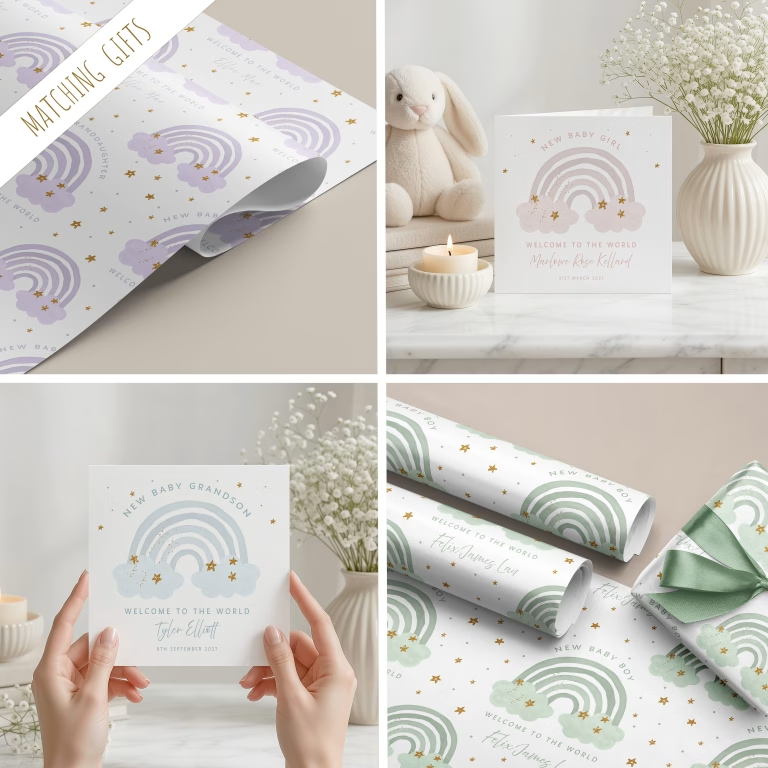
MATCHING NEW BABY GIFT COLLECTION
This lovely personalised New Baby Card comes with matching Gift Wrapping Paper.
Please add the text you would like to appear on the front of your card. Our cards are fully customisable, you can have any wording, age, anniversary and more… The font style will appear as shown in the demonstration card, there is not a different font choice option.
STEP 2 (optional)
Insert left, add your personal message in the ENTER YOUR MESSAGE box. If necessary, change the font size. Ensure you are happy with the spelling and text layout in the box relating to how your insert will look when printed, as your personalisation will be printed as you see it, in black and centralised.
STEP 3 (optional)
Insert right, add your personal message in the ENTER YOUR MESSAGE box. If necessary, change the font size. Ensure you are happy with the spelling and text layout in the box relating to how your insert will look when printed, as your personalisation will be printed as you see it, in black and centralised.
Search our range of
We use cookies to ensure that we give you the best experience on our website. If you continue to use this site we will assume that you are happy with it.

 FREE tracked delivery over £75